Hi, I have a Logic Pro 8 for a while now and recently trying to use it in conjunction with a PCbite kit + SP10 probe set.
Although may be not directly related, I am having a lot of short spike noise when trying to probe the DUT with PCbite kit.
The noise will be gone if I touch the metal case of my Logic pro with my bear hand, so I suppose its a ground problem.
Worse of all, the power management chip on the DUT somehow bursts into fire during my probing session so I’d really like to prevent this from happening again.
My setup is as follows:
Logic pro 8 connected to laptop with USB.
Laptop connected to a USB-C charger and to grounded wall socket.
(Although I tested with a multimeter that the metal case of the usb-c connector is not directly connected to the ground prong of the AC adapter.)
DUT is powered by battery, so no ground connection to PC or wall socket.
Since the DUT is powered by battery, I suppose the noise I’m seeing is not due to ground loop?
Other possibility I’m now thinking is:
The ferrous metal sheet and magnet on the base of SP10 probe somehow interfering and making noise.
The way PCbite kits probe necks are shaped..? They usually look like a hoop when put onto a probing point, does this increase the change of Logic pro recording noise?
The ground path length? Since the wire that came with logic pro and PCbite kit is quite long, the ground path may be too long thus making noises?
I’m quite new to hardware probing so any advice is well appreciated!
How are you grounding between the Logic and the DUT? The PCBite probe provides signal path, but you still need a ground path. What is the DUT’s power levels? Low DC battery voltages, <= ~5-12V?
Without any ground reference between DUT and Logic, there can be quite a difference in voltage potentials between the two devices. So, at least one of the black GND wires from the Logic should be connected to a GND reference point on the DUT, before you probe around other points.
Also, you need to take care moving probes while DUT is on, as you can accidentally short two points with the probe tip – and that could smoke the DUT if you short the wrong points together. Likewise, just touching a floating probe to DUT (w/o a GND connection back to Logic) could cause a surge in either direction, depending on voltage offsets between the two.
If GND is connected and you still see spikes, then more probing needed to figure out source(s) of noise.
Edit:
You definitely want at least one good direct ground path between the DUT and the Logic, especially in your case where the DUT is ‘floating’ with no indirect GND path through common power or even Earth ground. I always make sure to connect at least one all black GND wire to DUT, and typically pick the most active signal (usually a clock line).
Also, the Logic (non-MSO) doesn’t have traditional scope probes, it just uses fly-wires with separate wire/pin for each signal vs. GND. Thus, attaching all the individual ground wires won’t provide as much grounding benefit as using the alligator or spring ground attachments with an oscilloscope probe. The Saleae Logic’s analog doesn’t have as much bandwidth as a real oscilloscope either, so some of the high frequency noises you’d get from bad grounding are inherently filtered out. As long as the underlying analog signal stays enough away from the Logic’s digital thresholds, you should be good. If your digital signal is still glitchy, then a better ground (or software glitch filter) might help.
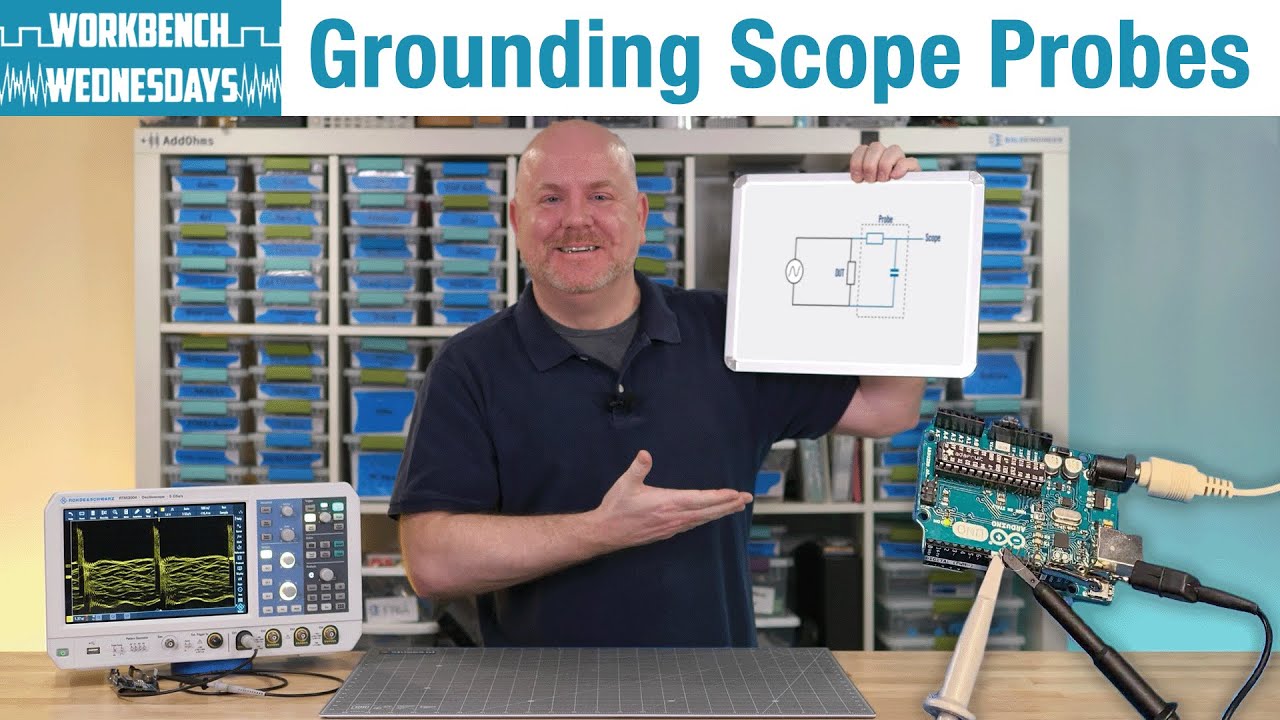
Finally, here’s a good video about grounding your probes, along with some examples of how bad a signal might get w/o good grounding:
Thanks for the video and extra confirmation about ground connection, I should have mention it in my original post.
My answer to your questions are:
Yes, I do have Logic pro ground connected (with another SP10 probe) to the DUT’s RF shield , which I confirmed with a multimeter that it is connected to the PCB ground.
The DUT is powered by a 7.16v Li-ion battery pack, and the signal level should be less than 5v.
Now I am seriously suspecting that my ground probe may not be actually touching the RF shield or simply have bad connection…..
I panicked quite a bit when I saw the fire coming from the chip so I disengaged all probes in a snap, can’t really know if the GND connection was good or bad after that
My experience from using an oscilloscope does tell me that keeping the GND connection as short as possible is better, but from the extra information in your edited content, I assume on the Logic Pro it’s ok to use another probe (which is super long in length) for GND connection in terms of noise handling?
The better the ground connection, the better the signal quality. A long wire connected to an RF shield may act more like an antenna that could collect noise than you want. As you said, “short as possible is better” for ground. Thus, if you can –connect the Logic’s ground wire(s) directly to a GND pin or GND point (via, trace) on the PCB close to the other signal(s) you want to probe, rather than a PCByte.
Note: just because all the grounded items are connected doesn’t mean all points are the same. As I said above, long unshielded ground wires (and metal plates / covers) also make good antennas that pick up RF/EMI noise from the environment.
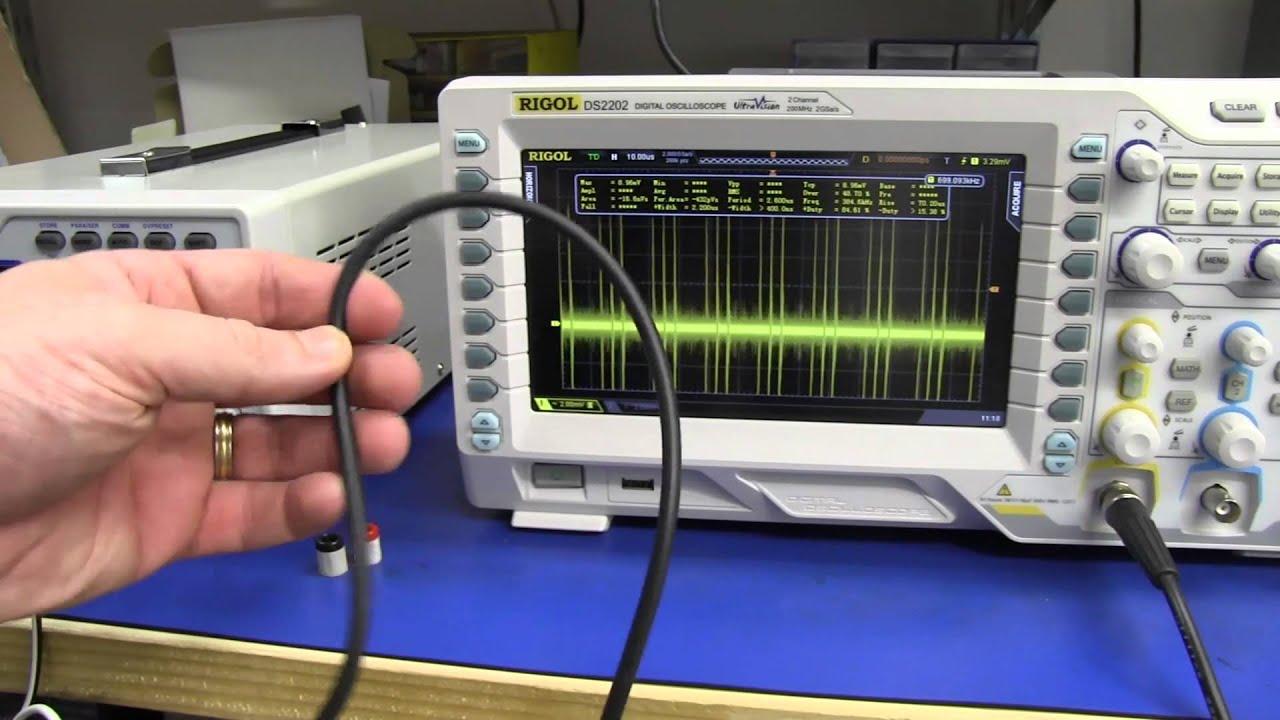
Here is another good video about common mode noise – you can see how a BNC cable and a bench power supply, even when it is off, can be a noise antenna. The ‘best’ connection was actually an oscilloscope probe (lossy shielded cable) vs. any of the other simple BNC cables.
The noises from environment (noisy AC/DC power supplies, LED lights, digital oscilloscope or computer screens, etc.) all can be picked up by the ‘grounds’ in the DUT, measurement equipment, and wiring in between:
So, your noise spikes could be something coming from your lab or bench environment, and you might want to isolate the external source and move it away or just turn it off.
For suggestions on doing that, here’s another video:
Edit:
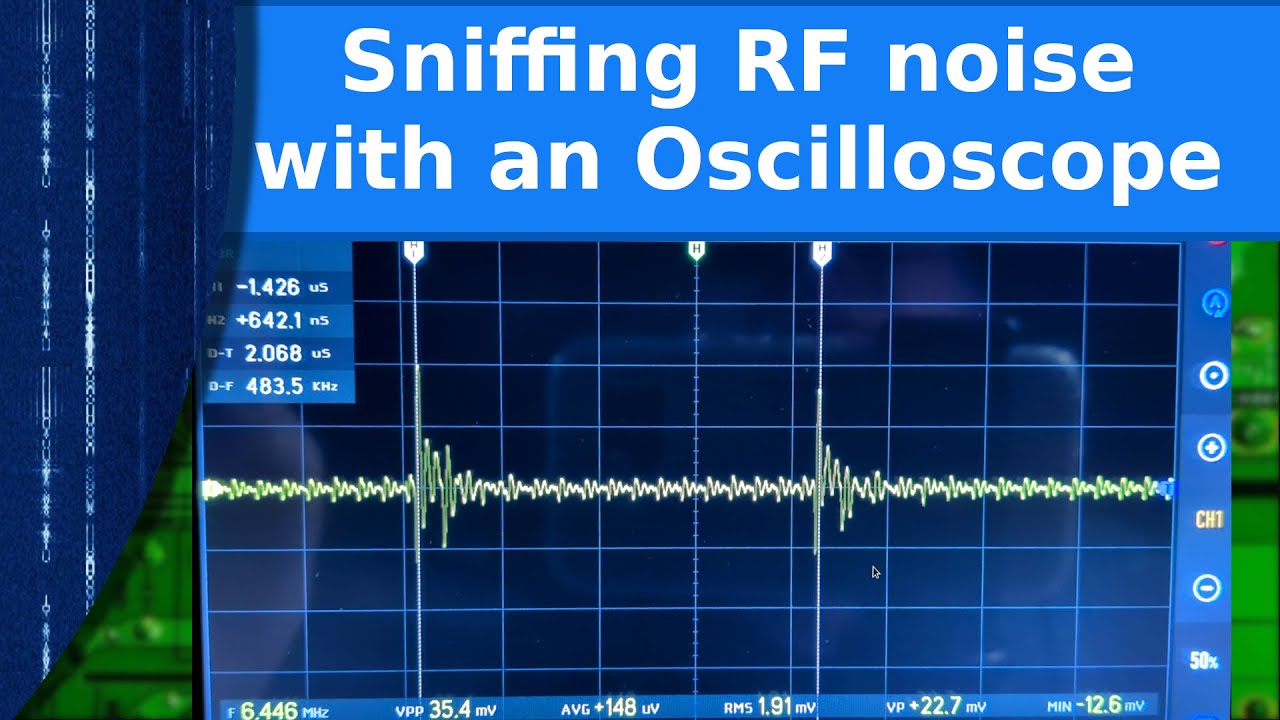
One more clip, along the theme of noise (noise … noise ):
A long wire connected to an RF shield may act more like an antenna that could collect noise than you want.
Never thought of this, really appreciate the tip!
And yes I should probably also check if there are any common mode noise in my current office (which is quite a lot more “busy“ than where I used to do my probing.)
Again thank you for all the nice videos that explains how to find and handle noises, I’ll make sure to keep them in mind in my future probing sessions!

 ):
):